avviare Windows Explorer (Win+E)
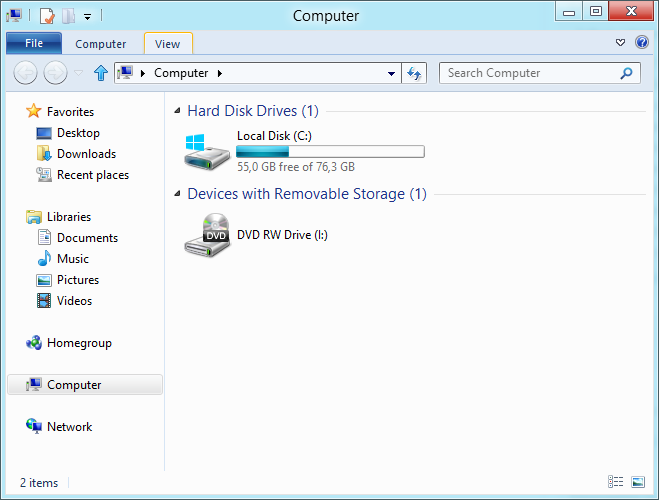
Menù View, quindi Options

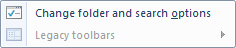
Cliccare su Change Folder and search options
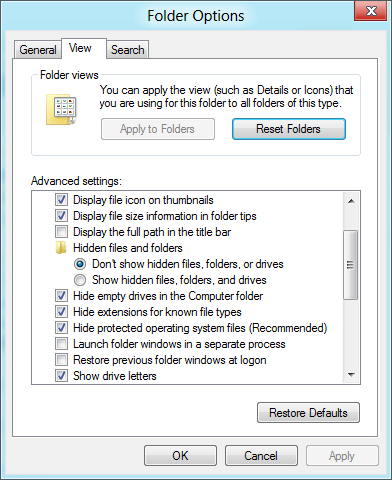
Tab View, spuntare Show hidden files, folders and drives
Frequently Asked Questions Windows
avviare Windows Explorer (Win+E)
Menù View, quindi Options
Cliccare su Change Folder and search options
Tab View, spuntare Show hidden files, folders and drives

One Reply to “Windows 8 Tips and Tricks: Visualizzare file nascosti”